
Blog
📍 Google Maps Ranking Guide for Local Business (2026 Complete Strategy)

If you run a local business — such as a shop, clinic, agency, restaurant, or service company — ranking on Google Maps can dramatically increase your calls, walk-ins, and sales.
When people search:
- “Best digital marketing agency near me”
- “Plumber in Delhi”
- “Restaurant near me”
They usually choose from the Top 3 Google Maps results.
If your business appears there, you get maximum visibility and direct leads.
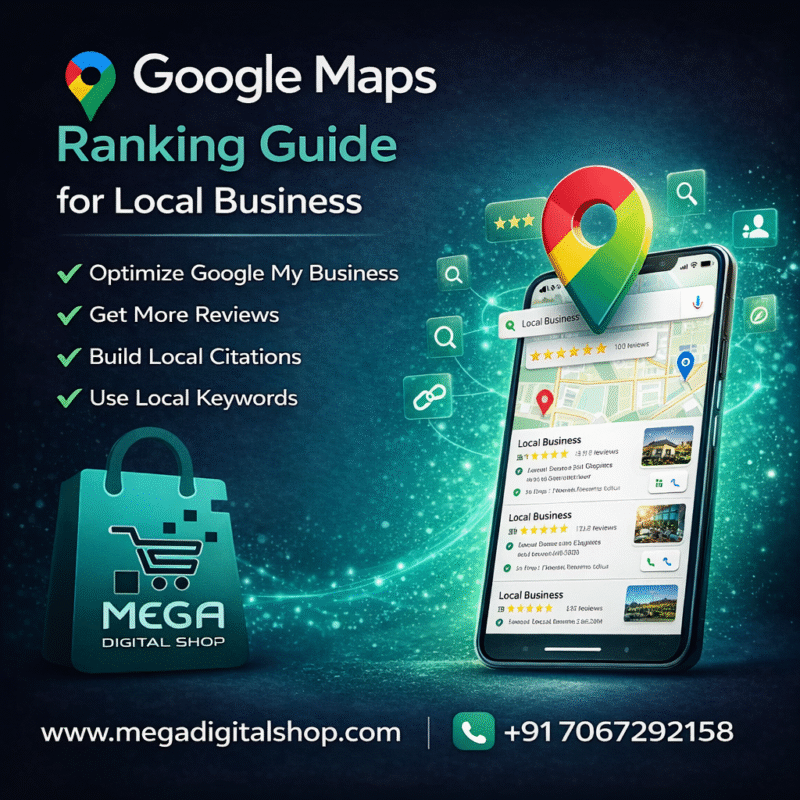
🚀 Why Google Maps Ranking Is Important
Ranking higher on Google Maps helps you:
✔ Get more phone calls
✔ Increase store visits
✔ Build local trust
✔ Generate free organic leads
✔ Improve brand authority
Top 3 Maps listing = Higher conversions 📈
🗺️ Step-by-Step Google Maps Ranking Guide
✅ Step 1: Create & Optimize Your Google Business Profile
First, claim or create your Google Business Profile (GBP).
Make sure you add:
✔ Exact business name
✔ Correct address
✔ Active phone number
✔ Website link
✔ Business category
✔ Accurate working hours
⚠️ Keep NAP (Name, Address, Phone) consistent everywhere online.
✅ Step 2: Choose the Right Business Category
Your primary category strongly affects ranking.
Example:
- Digital Marketing Agency
- Restaurant
- Dentist
- Gym
- Real Estate Consultant
Selecting the wrong category can reduce visibility.
✅ Step 3: Add High-Quality Photos Regularly
Google prefers active profiles.
Upload:
✔ Office/store photos
✔ Team images
✔ Product/service photos
✔ Logo
✔ Cover image
Updated profiles rank better.
✅ Step 4: Collect & Respond to Customer Reviews
Reviews are one of the strongest ranking factors.
✔ Ask happy customers for reviews
✔ Reply to every review
✔ Maintain professional responses
✔ Encourage detailed feedback
More genuine reviews = Higher ranking ⭐
✅ Step 5: Use Local Keywords Strategically
Add city-based keywords in your business description.
Example:
“Providing professional SEO services in Mumbai.”
Location keywords improve local search visibility.
✅ Step 6: Build Local Citations
List your business on trusted directories:
✔ Justdial
✔ Yelp
✔ IndiaMart
✔ Sulekha
✔ Local business directories
Keep business details consistent across all platforms.
✅ Step 7: Optimize Your Website for Local SEO
Your website also affects Maps ranking.
✔ Create location-based pages
✔ Add city keywords
✔ Embed Google Map
✔ Add contact details clearly
✔ Use Local Business schema markup
Strong website + strong GBP = Better ranking.
✅ Step 8: Post Regular Updates on Google Business Profile
Use Google Posts to share:
✔ Offers
✔ Events
✔ Blog links
✔ Announcements
✔ Updates
Active businesses rank higher.
⚡ Bonus Tips to Rank Faster
✔ Complete all profile sections
✔ Add services properly
✔ Use Q&A section
✔ Set short business name
✔ Add booking/contact buttons
✔ Improve website loading speed
Consistency is key.
❌ Common Mistakes to Avoid
❌ Fake reviews
❌ Duplicate listings
❌ Incorrect address
❌ Keyword stuffing
❌ Inactive profile
These can lower your ranking.
🏆 Final Thoughts
If you want:
✔ More calls
✔ More walk-in customers
✔ Strong local visibility
✔ Higher trust
Then optimizing your Google Maps presence is essential.
Start implementing this strategy today and grow your local business faster 🚀
