
Blog
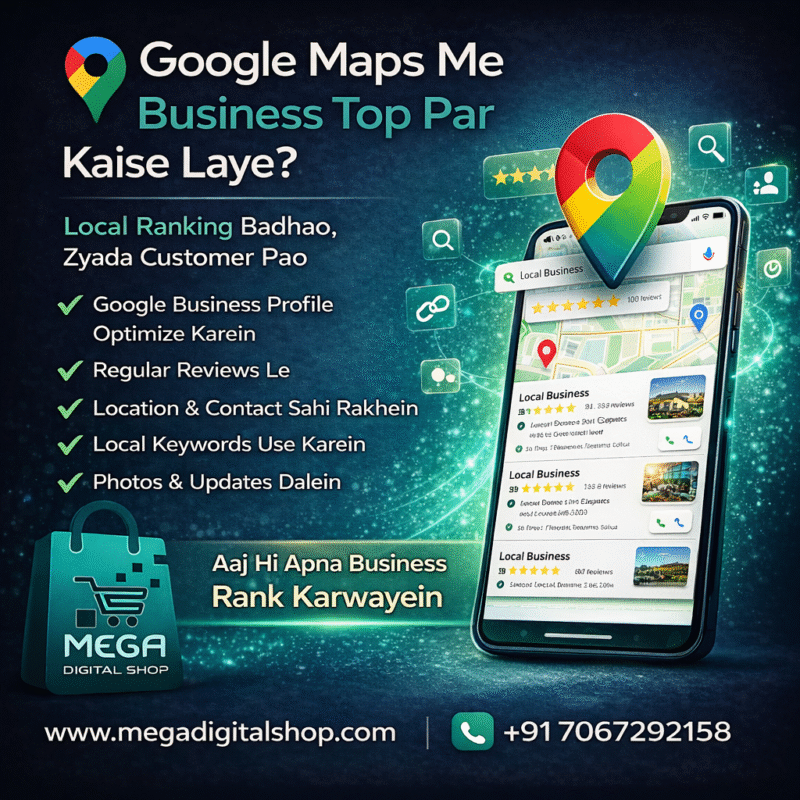
📍 Google Maps Me Business Top Par Kaise Laye? (2026 Complete Guide in Hindi)

Aaj ke digital time me agar aapka business Google Maps par top par nahi dikh raha,
toh aap bahut saare customers miss kar rahe ho.
Log roz search karte hain:
“Best service near me”
“Shop near me”
“Doctor near me”
“Digital marketing agency near me”
Aur 90% log top 3 results me se hi business choose kar lete hain.
Agar aapka business top par hai, toh:
✔ Zyada calls
✔ Zyada customers
✔ Zyada sales
Is guide me hum step-by-step seekhenge ki Google Maps me ranking kaise badhaye.
🚀 Google Maps Ranking Kyun Important Hai?
Google Maps par top hone se:
- Free me customers milte hain
- Local area me pehchan badhti hai
- Business par trust banta hai
- Ads par kharcha kam hota hai
Top ranking = Maximum profit 📈
✅ Step 1: Google Business Profile Banayein Aur Optimize Karein
Sabse pehle apna Google Business Profile banayein ya claim karein.
Dhyan rakhein:
✔ Business name sahi ho
✔ Address exact ho
✔ Phone number active ho
✔ Website link ho
✔ Category sahi ho
✔ Timing update ho
Har jagah same details honi chahiye.
✅ Step 2: Sahi Business Category Select Karein
Category Google ko batati hai ki aap kya service dete ho.
Example:
Digital Marketing Agency
Restaurant
Doctor
Plumber
Gym
Salon
Galat category se ranking gir jati hai.
✅ Step 3: Regular High-Quality Photos Upload Karein
Google active profiles ko upar rank karta hai.
Upload karein:
✔ Shop/office photos
✔ Team photos
✔ Product photos
✔ Service photos
✔ Logo & cover
Har week photo daalna best hota hai.
✅ Step 4: Zyada Se Zyada Customer Reviews Le
Reviews ranking ka sabse powerful factor hai ⭐
Kya karein:
✔ Happy customers se review maange
✔ Review ka reply dein
✔ Fake review na karein
Zyada genuine reviews = Top ranking
✅ Step 5: Business Description Me Local Keywords Use Karein
Description me city + service add karein.
Example:
“Hum Indore me professional website aur SEO services provide karte hain.”
Natural tareeke se likhein, overuse na karein.
✅ Step 6: Local Business Listing (Citations) Banayein
Apna business in websites par add karein:
Justdial
IndiaMart
Sulekha
Yelp
Local directories
Har jagah same name, address, phone rakhein.
✅ Step 7: Website Ko Local SEO Ke Liye Optimize Karein
Agar aapki website hai, toh ranking aur strong hoti hai.
Website me add karein:
✔ Contact page
✔ Google Map embed
✔ City keywords
✔ Fast loading
✔ Mobile friendly design
Strong website = Strong ranking
✅ Step 8: Google Business Profile Par Regular Post Karein
Google post feature use karein:
✔ Offers
✔ New services
✔ Updates
✔ Blog links
✔ Announcements
Har week post karna best hota hai.
⚡ Bonus Tips (Fast Ranking Ke Liye)
✔ Q&A section fill karein
✔ Service list complete karein
✔ WhatsApp button add karein
✔ Booking link lagayein
✔ Website speed improve karein
Consistency se hi result milta hai 🚀
❌ Common Galtiyan Jo Ranking Down Kar Deti Hain
In galtiyon se bachein:
❌ Fake reviews
❌ Galat address
❌ Duplicate listing
❌ Inactive profile
❌ Keyword stuffing
Ye sab Google ko negative signal dete hain.
⏳ Google Maps Ranking Me Kitna Time Lagta Hai?
Generally:
- 1–2 month me improvement
- 3–6 month me strong ranking
Time competition aur efforts par depend karta hai.
🏆 Final Words
Google Maps ranking local business ke liye sabse powerful free marketing hai.
Agar aap is guide ko follow karte ho, toh:
✔ Zyada calls milenge
✔ Zyada customers aayenge
✔ Business grow karega
✔ Income badhegi
Aaj hi start karo aur apne business ko Google Maps par top par lao 🚀
